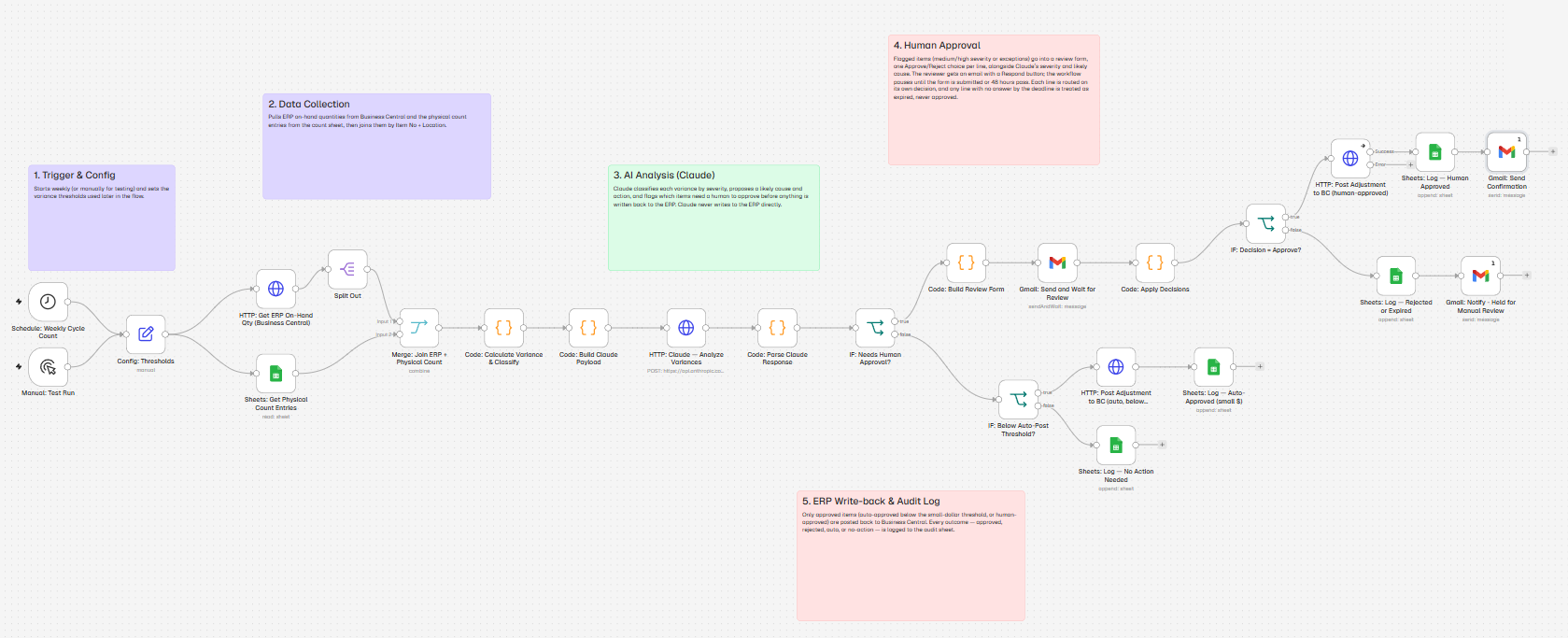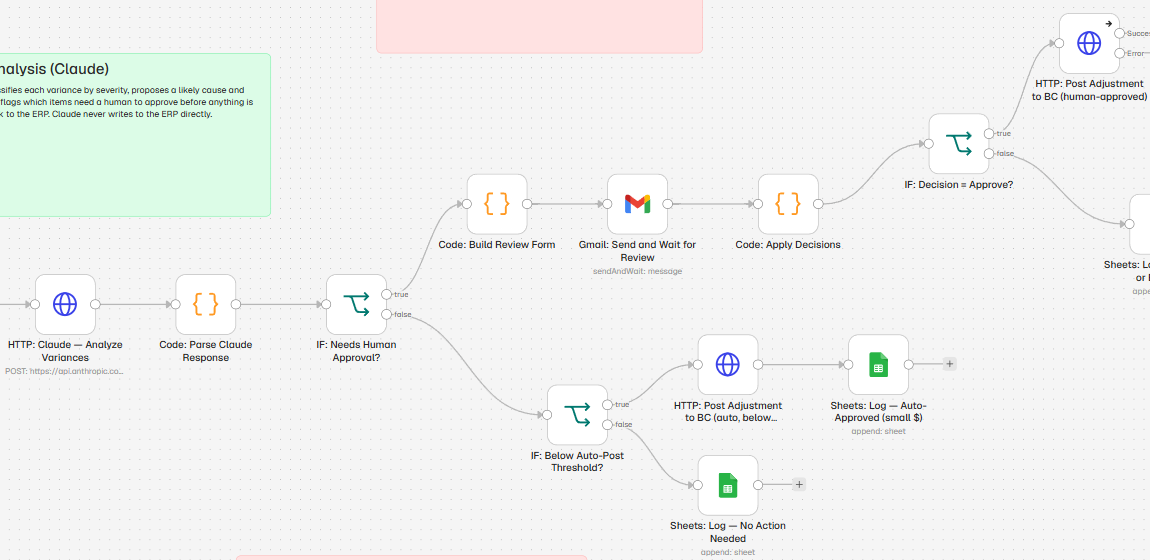
- Receiving
- Import documents
- ERP integration
- Working prototype
Import documents to inventory receiving, checked line by line
Built with a workflow engine and Claude, connected to Microsoft Dynamics 365 Business Central, and tested end to end on a clean shipment and a shipment with planted errors.
The problem
When an import container arrives, someone compares the commercial invoice, packing list and bill of lading against the purchase order, line by line, then keys the received quantities into the ERP. Short shipments, wrong items and documents that disagree are easy to miss until they turn into an AP dispute or an inventory error.
What we built
Drop the shipping documents in a folder. AI reads every line exactly as printed, plain rules compare the documents to each other and to the open purchase order, a person approves each line, and the approved quantities are staged on the PO, ready to post. Every decision is logged.
How it works
-
1
AI reads the invoice, packing list and bill of lading and extracts every line exactly as printed. It never fills in or corrects a number.
-
2
Rules match each line to the open PO and flag short shipments, items not ordered, documents that disagree, and weight totals that don't line up.
-
3
The reviewer gets one form: approve or reject each line, with the reason beside every flag. Items not on the PO are never offered.
-
4
Each line is re-checked in the ERP right before writing. Approved quantities are staged for receipt. A person clicks Post.
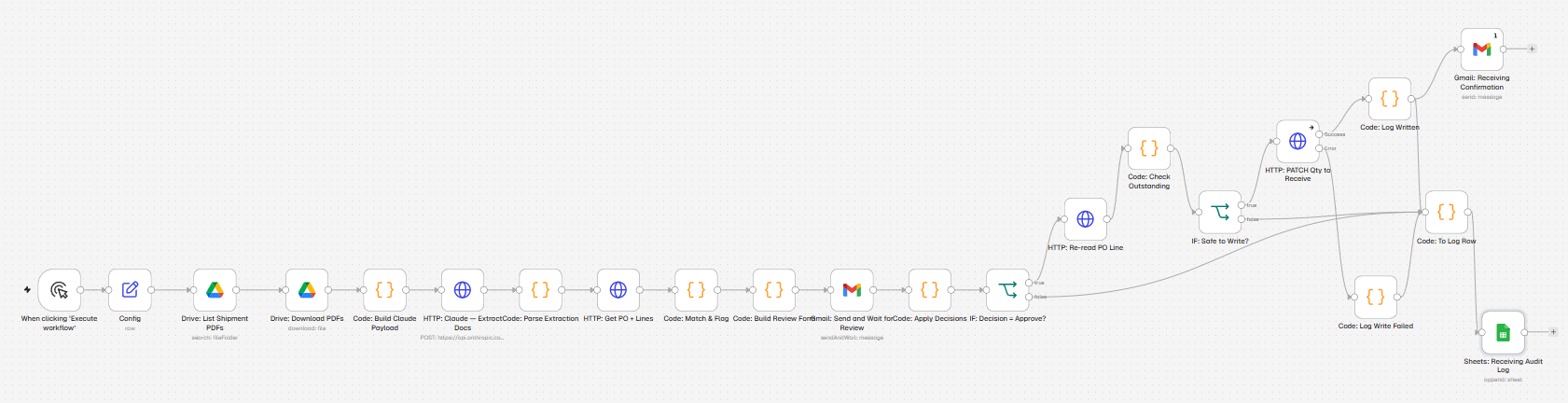
The test shipment carried three problems: 12 chairs short, an item that was never ordered, and an invoice billing 50 units where the packing list showed 48. All three were flagged on the review form. The reviewer rejected the disputed line, the extra item was never offered for approval, and only the approved quantities reached the ERP. When the ERP briefly refused two simultaneous updates, the workflow logged them as failed, wrote nothing, and the rerun went through clean.
Safeguards built in
- • Line-by-line approval; unanswered lines expire
- • When documents disagree, the lower quantity is recommended
- • Never more than what's still open on the PO
- • Every line re-checked in the ERP right before writing
- • Refused writes are logged and flagged, never guessed
- • Posting the receipt stays a manual click in the ERP
Built with
- n8n workflow engine
- Claude AI
- Business Central
- Google Drive
- Google Sheets
- Email approval forms